
What to do when your accounts get hacked?


Step 1
Lock other accounts to mitigate damage
If your bank or financial accounts are hacked, you should contact the relevant parties immediately to lock these accounts to mitigate the damage and prevent further security risks.
Step 2
Change your passwords
You should double-check all your accounts, especially those having the same password with the hacked account, and change the passwords immediately.
Read more

Step 3
Enable 2FA for your accounts
If your bank or financial accounts are hacked, you should contact the relevant parties immediately to lock these accounts to mitigate the damage and prevent further security risks.
Enable 2FAStep 4
Recover your hacked account
Method 1: Reset your password via email
Email is the best way to recover your hacked account. Protect your email now!
Method 2: Contact the service provider to verify your identity
Method 3: Report to the police
Every hack leaves traces. If the consequences are serious, you should report to the police to get help.

Important notes when changing passwords
Use strong passwords
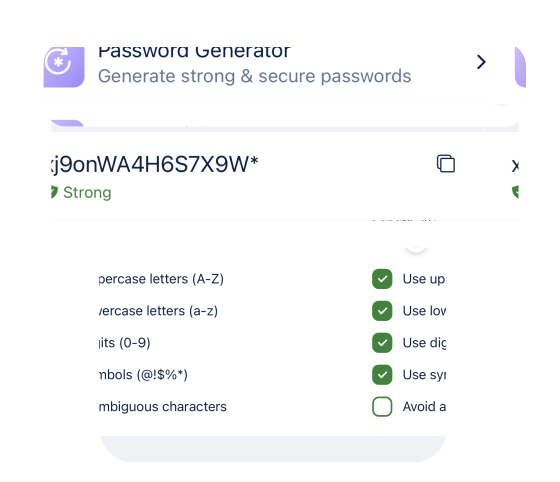
A strong password is one that contains at least 12 characters, including special characters, without personally identifiable information. Hackers will find it difficult to crack accounts using strong passwords with common password cracking techniques. In other words, your account will be more secure with strong passwords.
You cancheck your password's strengthandcreate strong passwordsmanually, or use the password manager Locker to do both without hassles.


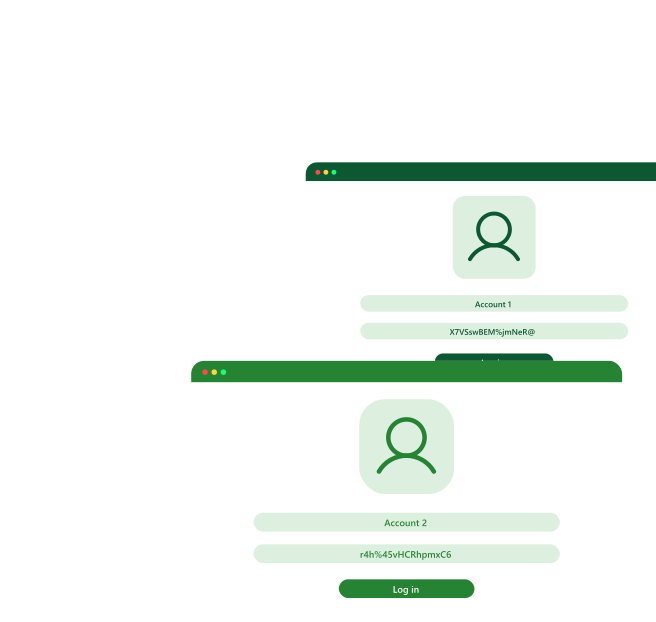
Set unique passwords for different accounts
Set different passwords for accounts to minimize the risks of all accounts being hacked when a hacker finds their ways into one of your accounts.
However, it's difficult to remember all your passwords. Here are some ways to do it:
- Note down your passwords and keep them under lock and key. The negative aspect to this is that you can't always view your passwords or bring them with you.
- Use a password manager like Locker. Locker saves your passwords and automatically logs you into your accounts. You can access Locker anywhere, anytime, even without an Internet connection.

Is it safe to use Locker Password Manager?
At Locker, security is our top priority. We implement the most advanced technologies and most secure cybersecurity practices to do it.

Periodic pentesting
Locker is periodically audited by CyStack experts and a community of testers on the WhiteHub platform via Locker Bug Bounty Program.
Robust encryption
All data you save in Locker is end-to-end encrypted with AES-256 bit encryption for absolute privacy.

Secure Infrastructure
Locker uses computing platforms of world-leading service providers (AWS, Digital Ocean) to store your data

Zero-knowledge
Locker uses zero-knowledge to ensure you are the ONLY one to have access to your vault.
Meet the team behind Locker
Locker is a product of CyStack - a leading cybersecurity company based in Vietnam. CyStack has been a reputable partner providing security application and security managed services for many large and small businesses in Vietnam and around the world.
CyStack has gained impressive achievements in the field of cybersecurity since its launch.
8+
Years of Expertise
2000+
Websites Protected
15+
Security Applications and Services
3000+
Cyber Threats Blocked
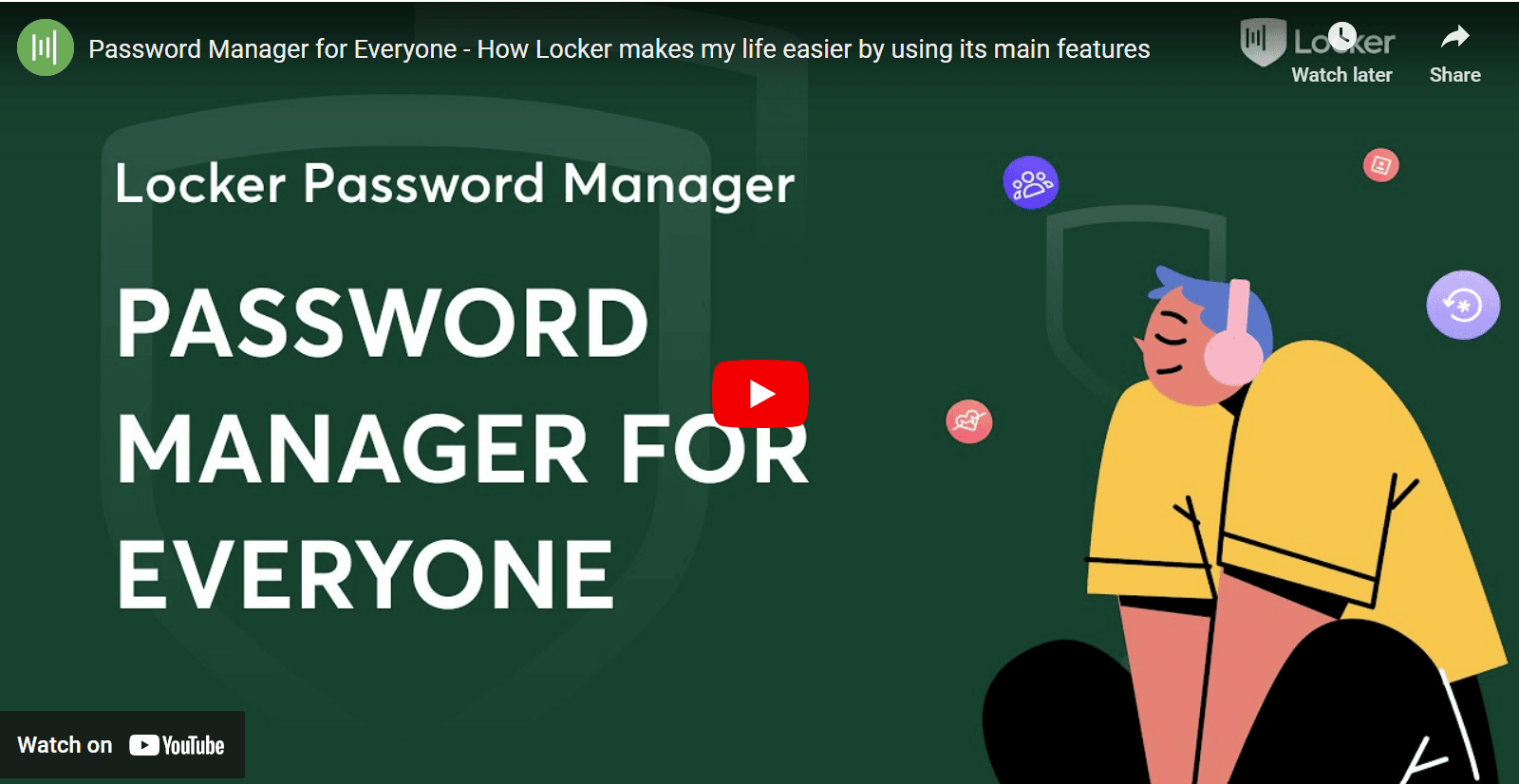
What our users said
See what Locker offers

Unlimited storage for passwords, identities, notes, credit cards and crypto backups
Password autofill
Sign in with FaceID and TouchID
Cross-device support
Offline mode
Excluded URLs
Strong password generator
Data breach warning
Password health checker
Emergency access
Password sharing
Folder management
Category management
Get 50% OFF With Our Special Offer
Get 1-year Locker Premium at only $15.48 $7.74 with our promotion code LKPERSONAL50.
Limited time only.
30-day money-back guarantee
Compatible with:


Available on all platforms
Locker works on every device, operating system, and browser you are using.




Frequently Asked Questions

Get 50% OFF With Our Special Offer
Get 1-year Locker Premium at only $15.48 $7.74 with our promotion code LKPERSONAL50.
Limited time only.
We're going to make this a complete RISK FREE DECISION for you!
If you purchase a Locker Premium Plan and you can tell it does not save your life...
We will refund all your money and you can still keep using Locker account that you created!